

Remote Workforce IT Solutions
Many businesses now have staff working from home, across multiple offices or in different locations. Supporting remote and hybrid teams properly requires more than simply providing laptops and internet access.
Lanter’s remote workforce IT solutions help businesses create secure, reliable environments so staff can access systems, collaborate and work productively from anywhere.


Key Benefits of Our Remote IT Workforce Solutions

A Practical Setup for Remote and Hybrid Teams
Every organisation works differently, so remote workforce solutions shouldn’t be one-size-fits-all. Lanter designs practical environments that support remote and hybrid teams while maintaining clear security and operational standards.
Secure Access to Systems and Data From Anywhere
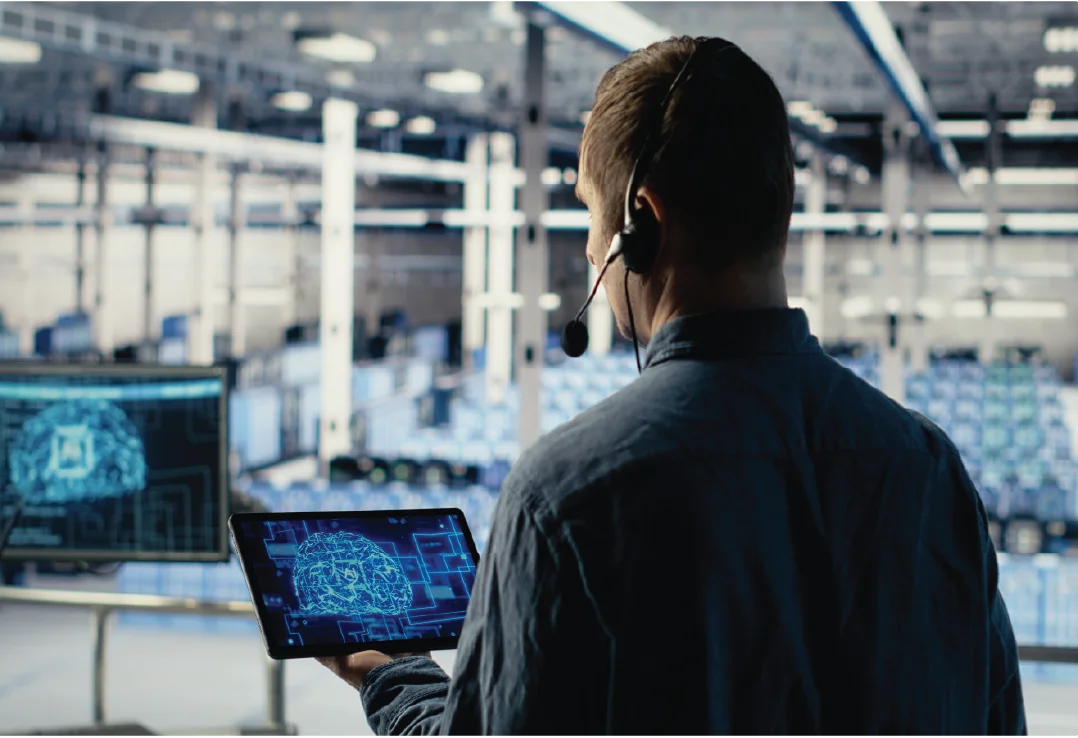
Remote access must balance convenience and security. Lanter implements secure solutions such as roaming laptops, virtual desktops, secure application access or cloud-based environments depending on how your teams work. In some cases, virtual desktops can also be used to support legacy applications that cannot easily be moved to modern cloud platforms.

Devices Set Up, Managed and Kept Up to Date
Remote teams depend on properly managed devices. Lanter configures, secures and manages laptops and endpoints with central policies, patching and monitoring to keep systems reliable and up to date.

Support That Keeps Remote Staff Productive
Technical issues can quickly affect remote staff productivity. Lanter provides responsive support to resolve connectivity, device and application issues so employees can continue working without disruption.
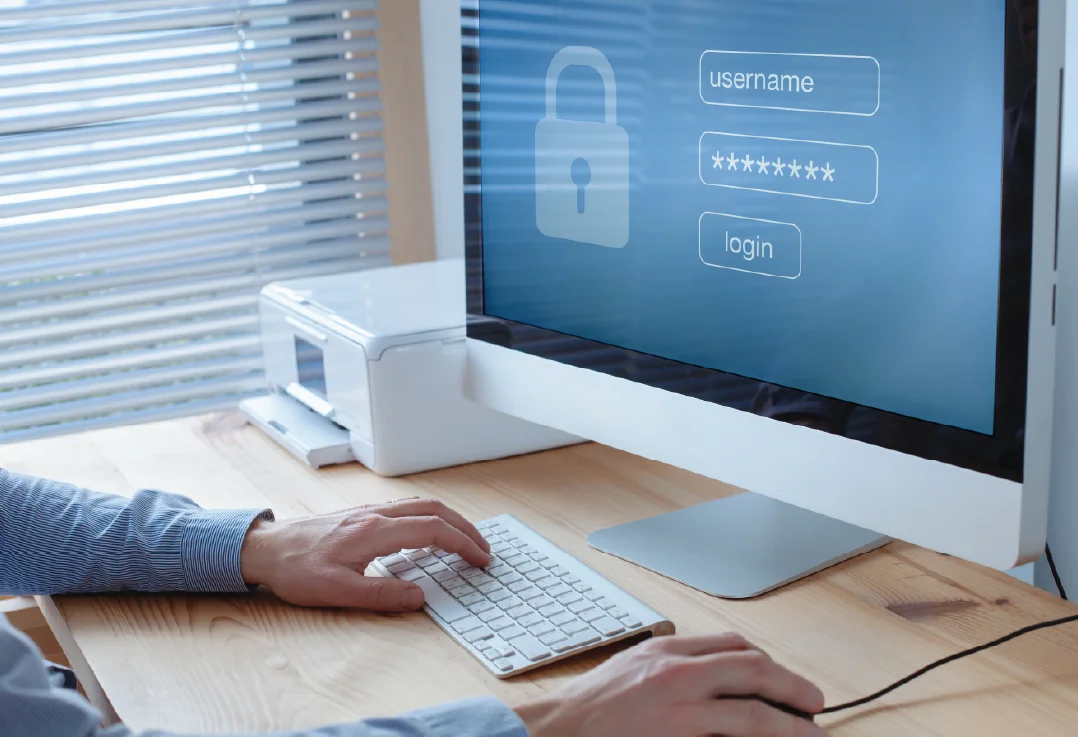
Cyber Security Built In for Remote Work
Remote work introduces additional security risks, particularly when staff connect from home networks or personal devices. Lanter implements security controls such as device management, identity protection and secure access frameworks to reduce these risks.

Clear Standards and Documentation So Nothing Is “Ad Hoc”
Remote environments can easily become inconsistent without clear standards. Lanter establishes structured policies, documentation and access controls so remote workforce environments remain secure and manageable.

Our Remote Workforce IT Solutions Include
- Remote access design and implementation
- Secure connectivity solutions (VPN, ZTNA, virtual desktops)
- Azure Virtual Desktop and cloud-based work environments
- Device deployment and endpoint management
- Security policies, identity protection and MFA implementation
- Microsoft 365 configuration for remote collaboration
- Ongoing support for remote staff and hybrid teams
- Remote workforce standards and documentation
- Secure remote access for distributed and multi-location teams
- Remote access strategy and architecture planning
Why Businesses Trust Lanter for Remote Workforce IT Solutions

A Pragmatic, Business-First Approach
Lanter focuses on solutions that work in real business environments. We take the time to understand how your teams operate, how systems are accessed and where remote work can introduce risk or complexity. This allows us to design remote workforce environments that support productivity while maintaining clear operational standards.
Experienced Specialists With Real-World Perspective
Our team has extensive experience supporting businesses with remote and hybrid teams across a range of environments. From secure access to on-premise systems through to cloud-based collaboration platforms, we design solutions that remain reliable, secure and manageable as organisations grow. This includes environments where international teams need secure access to central systems.


Honest Advice Focused on the Right Outcome
Remote workforce environments can be implemented in many different ways, from VPN access through to virtual desktops or cloud-based platforms. Lanter helps businesses choose the approach that best fits their systems, security requirements and how staff actually work.
Remote Workforce IT Solutions for all Business Sizes
Remote Workforce IT Solutions for Small Businesses
Smaller organisations often need simple, secure solutions that allow staff to work from home without complex infrastructure. Lanter helps small businesses implement reliable remote access and device management while maintaining strong security foundations.
Remote Workforce IT Solutions for Medium Businesses
As businesses grow, remote environments often need more structure to support expanding teams and systems. Lanter designs remote workforce environments that support multiple locations, secure application access and consistent device management.
Remote Workforce IT Solutions for Large & Multi-Site Organisations
Larger organisations typically require more structured governance for remote access, security and distributed teams. Lanter supports complex remote workforce environments with scalable architecture, clear access controls and solutions aligned with compliance and data sovereignty requirements.
Frequently Asked Questions
What do remote workforce IT solutions include?
Remote workforce solutions typically include secure remote access, device management, cloud collaboration tools, cyber security controls and ongoing support to ensure staff can work productively outside the office.
Can you help us set up secure work-from-home and hybrid work?
Yes. Lanter designs remote work environments that allow employees to work securely from home, offices or other locations while maintaining proper access controls and security standards.
How do you secure remote access to business systems and data?
We implement layered security controls including identity protection, multi-factor authentication, device management policies and secure access platforms such as ZTNA or virtual desktops.
Do you manage laptops, devices and updates for remote staff?
Yes. Lanter deploys central device management systems to ensure laptops remain secure, updated and compliant with company policies.
Can you support Microsoft 365 for remote teams (Teams, SharePoint and OneDrive)?
Yes. We configure Microsoft 365 environments so remote teams can collaborate securely using Teams, SharePoint, OneDrive and other cloud services.
How do you support staff when they’re working remotely?
Our support team assists remote employees with connectivity issues, device problems and application access so they can continue working without disruption.
Can you help with onboarding and offboarding remote employees?
Yes. We establish processes for securely onboarding new staff and removing access when employees leave, ensuring systems remain secure.
What’s the best approach for remote connectivity (VPN vs other options)?
The best approach depends on your environment. VPN can work well in some cases, while solutions like virtual desktops or Zero Trust access models may provide stronger security and flexibility.
How do you reduce cyber risk for remote and hybrid work?
We implement security controls across devices, user identities and access points. This includes endpoint protection, MFA, device compliance policies and secure application access frameworks.