

Most businesses know AI is becoming increasingly important, but far fewer know where to start.
For many Australian SMBs, the challenge is not access to AI tools. It is understanding where AI can genuinely add value, how to avoid unnecessary risk and which opportunities are worth prioritising first.
The good news is that businesses do not need to completely reinvent their operations to benefit from AI. In many cases, the fastest wins come from improving repetitive processes, reducing admin and helping staff work more efficiently using tools already included within Microsoft 365.
What Does Using AI in Business Actually Mean?

Using AI in business does not always mean building custom chatbots or advanced machine learning systems.
For most businesses, AI is being used to:
Automate repetitive work
Improve document drafting and communication
Analyse data faster
Improve customer response times
Support decision-making
Reduce manual admin
AI can also be used in different ways across the business. Some organisations implement structured company-wide solutions, while others start with smaller, ad-hoc use cases for individual teams or staff members.
In many cases, the biggest gains come when AI is combined with automation tools such as Power Automate, allowing information, triggers and approvals to flow automatically without requiring manual employee input at every step.
Practical Ways to Use AI in Your Business

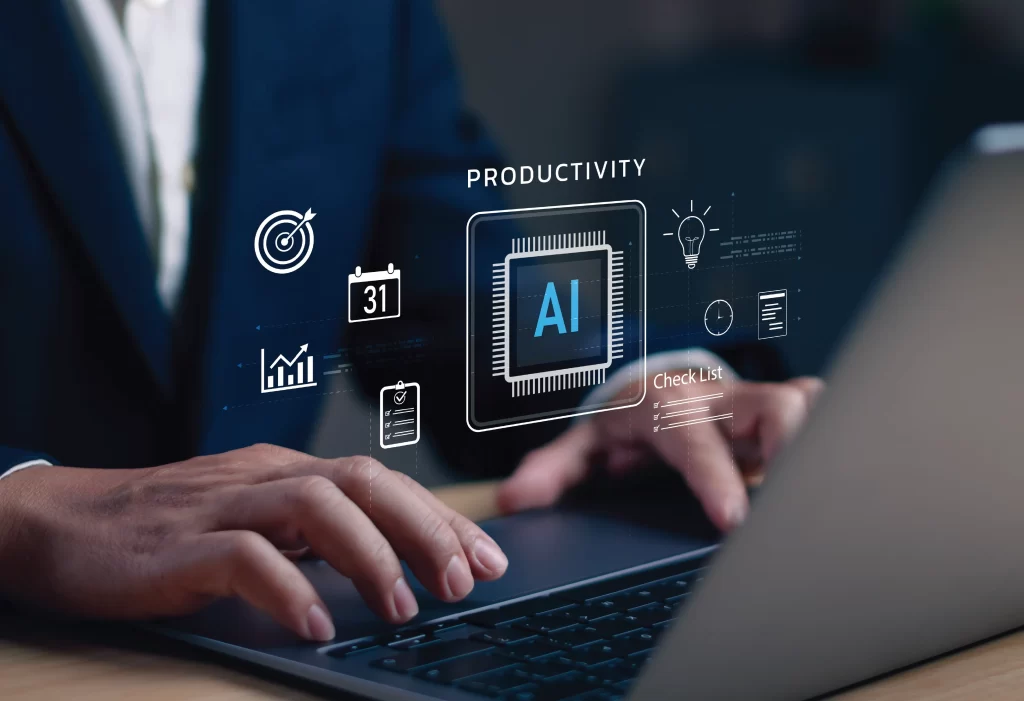

Automate Repetitive Admin Tasks
One of the most practical uses of AI for small and medium businesses is reducing repetitive administrative work.
This might include:
- Summarising meeting notes
- Extracting information from forms or PDFs
- Routing support requests
- Creating task lists from emails
- Automating invoice or approval workflows
Tools such as Microsoft Power Automate and Microsoft 365 Copilot Business can help reduce manual handling and free up staff for more valuable work.
Speed Up Document Drafting and Email Replies
AI tools can help staff create first drafts for emails, proposals, reports, policies and internal documentation much faster.
For example:
- Sales teams can generate proposal drafts
- HR teams can prepare position descriptions
- Managers can summarise meetings and action items
- Support teams can draft customer replies
The goal is usually not to remove human involvement entirely, but to reduce the time spent starting from scratch.
Improve Customer Service With Chatbots and Triage
AI can also improve response times for customer enquiries and internal support requests.
Businesses are increasingly using AI-powered chatbots and triage systems to:
- Answer common customer questions
- Route enquiries to the right team
- Prioritise urgent tickets
- Provide after-hours responses
- Reduce repetitive support requests
Tools such as Copilot Studio can help businesses create practical AI assistants without requiring large development projects.


Analyse Your Data for Better Decisions
Many businesses already collect large amounts of operational and financial data but struggle to turn it into useful insights.
AI can help teams:
- Identify trends faster
- Summarise large datasets
- Surface operational issues earlier
- Improve forecasting
- Generate reporting summaries
When combined with platforms such as Power BI and Microsoft Fabric, AI can help businesses improve visibility across sales, operations, finance and customer activity.
Personalise Marketing and Sales Outreach
AI can help marketing and sales teams create more targeted communication without manually rewriting every message.
This may include:
- Personalised email campaigns
- Content drafting
- Customer segmentation
- Lead scoring
- Sales call summaries
- Follow-up recommendations
For smaller businesses, this can help teams operate more efficiently without significantly increasing headcount.
Strengthen Cyber Security and Threat Detection
AI is also increasingly being used in cyber security to help identify suspicious behaviour, detect threats earlier and improve monitoring across business environments.
At the same time, businesses also need to think carefully about governance and security when adopting AI tools internally. Staff entering sensitive information into unmanaged AI platforms can quickly create compliance and security risks if proper controls are not in place.
This is one reason many Australian businesses are focusing on AI adoption within secure Microsoft 365 environments already aligned to broader security frameworks such as the Essential Eight.
Real-World Examples From Australian Business
Some practical AI use cases already being adopted by Australian SMBs include:
- Automatically summarising Teams meetings and generating action lists
- Creating AI-assisted proposal and tender drafts
- Automating onboarding workflows for new staff
- Using chatbots to triage customer enquiries
- Generating monthly reporting summaries from Power BI dashboards
- Routing support tickets automatically using Power Automate
- Creating internal knowledge assistants for staff using Copilot Studio
Most businesses do not start with large AI transformation projects. They start with one or two practical use cases that save time immediately.


How to Choose the Right AI Tools for Your Team
The best AI tool depends on your existing systems, security requirements and business goals.
For businesses already using Microsoft 365, there are already several tools that can support practical AI adoption, including:
- Microsoft 365 Copilot Business
- Copilot Studio
- Power Automate
- Power BI
- Microsoft Fabric
These tools can often provide practical AI capability without introducing completely separate platforms or governance models.
The focus should generally be on solving real operational problems rather than implementing AI simply because it is trending.
Common Pitfalls When Adopting AI
Some of the most common AI adoption mistakes include:
- Rolling out tools without AI security, governance, or policies
- Staff entering sensitive business data into public AI tools
- Implementing AI without clear business use cases
- Expecting AI to fully replace employees
- Automating broken processes instead of improving them first
A practical first step is identifying repetitive tasks that consume significant staff time today and testing whether AI and automation can reduce manual handling safely.

Get Practical AI Help From Lanter
AI adoption works best when it is practical, secure and aligned to real business operations.
Lanter helps Australian businesses identify realistic AI opportunities, implement Microsoft 365 Copilot Business and automation tools, and improve governance around how AI is used across the organisation.
Whether you are exploring AI for the first time or looking to scale existing use cases safely, Lanter can help your business take a more practical and commercially sustainable approach to AI adoption.